You may display the machinery tree using the Accounting number Group.
|
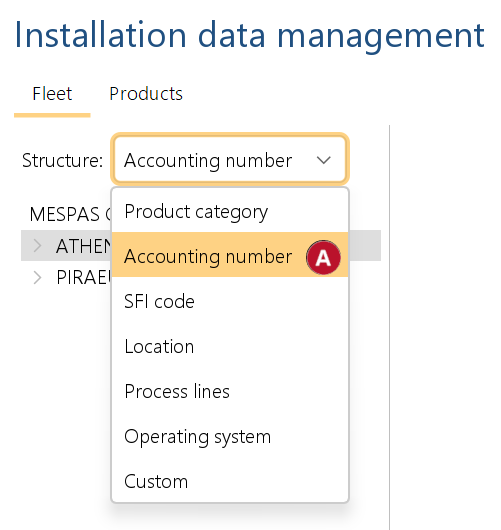
1.Go to "IDM" and Select "Accounting number" in the "Structure" field. |

|
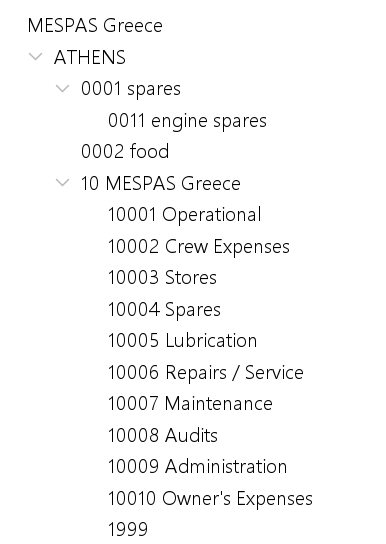
2. You may navigate to the corresponding accounting number and view the machinery organized according to its accounting number.
|
Assign a product to an operating system
|
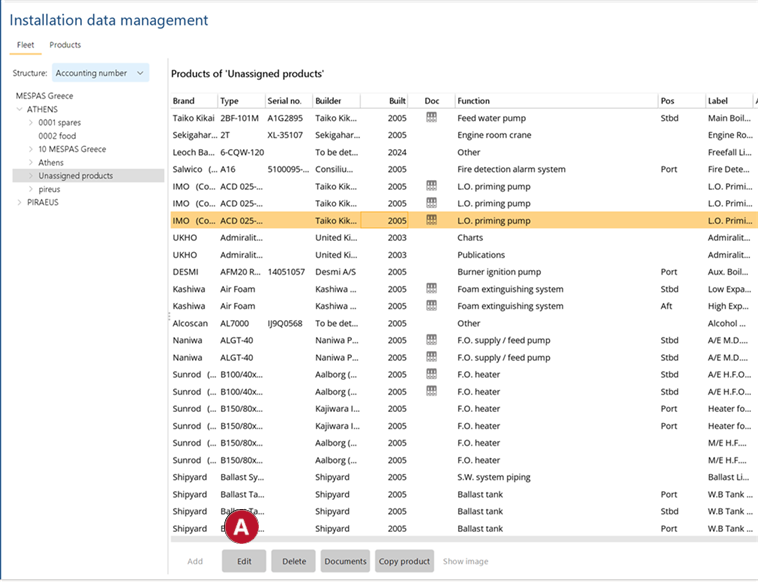
Unassigned products are machinery that have no accounting number assigned to it.
1-Select a product from the list and click edit .
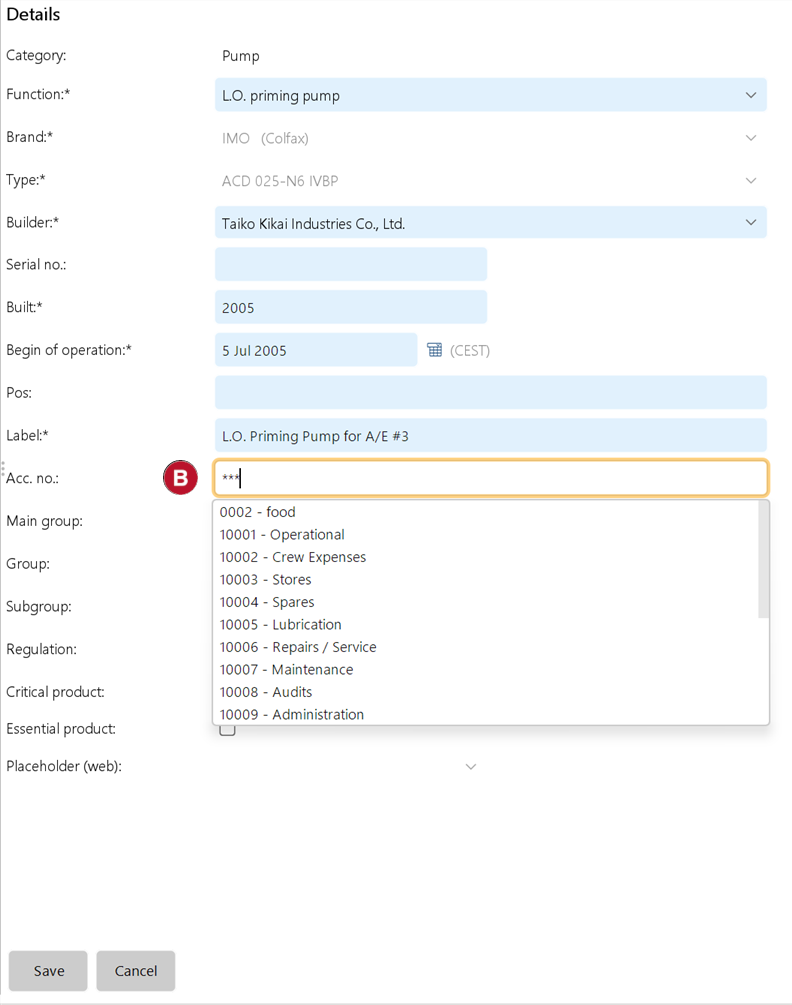
2-Select the desired Accounting number for the product.
|