|
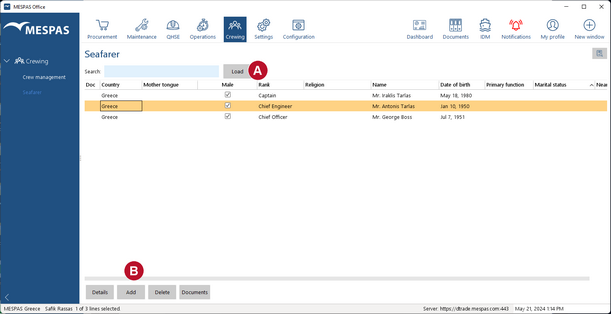
1.Go to menu "Crewing > Seafarer". 2.If appropriate, type a search term and click "Load". (Omitting a search term lists all existing seamen.) •To edit a seafarer's data, select the corresponding seaman and click "Details" . •To add a seafarer click "Add" and follow the instructions on the screen. •To delete a seafarer, select the corresponding seaman and click "Delete". |