|
You can only edit tasks if •you are the original editor, who has added the task •or the ownership of the task was transferred •and the task's state is either "Pending" or "Postponed".
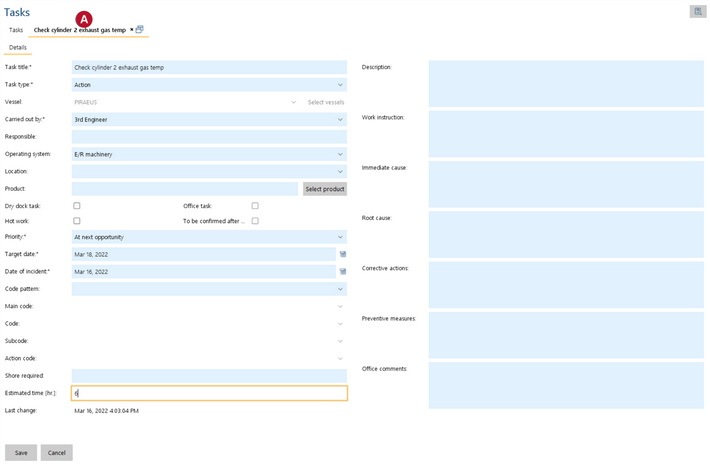
1.Go to menu "QHSE" > "Tasks". 2.Select a pending or postponed task which you have added personally. 3.Click "Edit". 4.The task will open in a new Tab 5.Edit task details. 6.Click "Save". |