Go to menu "Procurement" > "Procurement".
Create requests
The request template enables the user to generate requests for quotation at anytime.

|
The option "Create requests" will allow you to make individual changes in the request for each supplier.
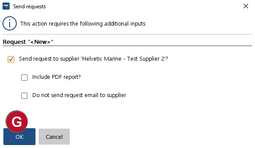
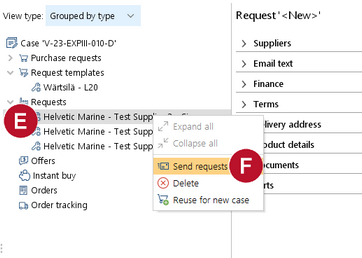
If you don't need to make individual changes, you can choose "Send requests". Please see following chapter.
|

|
1.Right click on the request template  and choose "Create requests"  . |

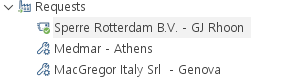
2. A request  will be created for every supplier listed in the request template. The requests are based on the template.  If the information in the request should deviate from the information entered in the template, changes can be made directly in the request (e.g. email text). These changes will not affect the information in the requests for other suppliers.
|

 .