|
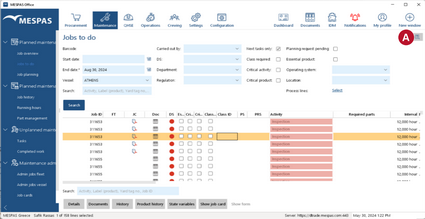
1.In any module/list which offers reporting select the list items/entries which you want to be included in the report. 2.Click the report icon 3.The report will be presented as a PDF file, which you may send by email, print or save locally. |


|
After editing list items/entries, make sure you reload the list by •clicking Search or •clicking the corresponding menu icon again before creating a report. Otherwise your changes will not be included in the report! |
