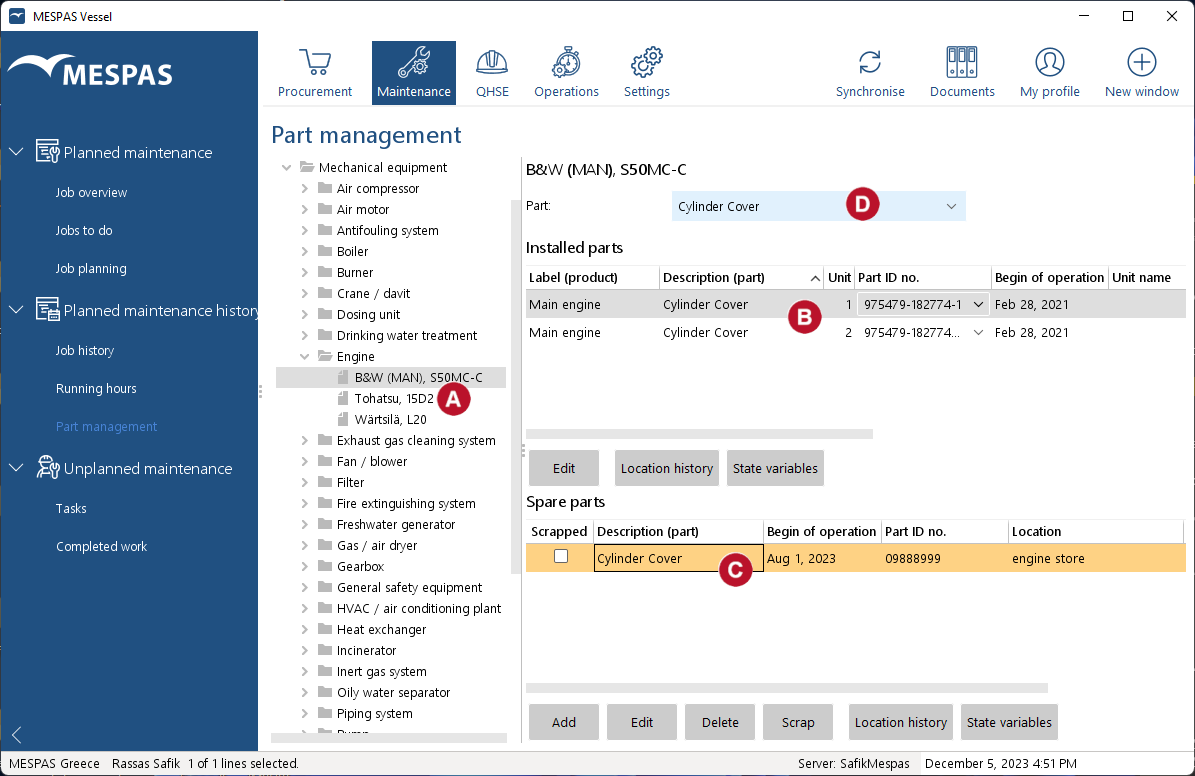
1.Go to menu "Maintenance" > "Part management". 2.Select a product in the tree. 

|
Usually the part management is used to monitor the columns of an engine. But you can select and use it on any product of your vessel.
|
3.All installed parts, instances of parts  and spares and spares  for the selected product are listed. for the selected product are listed. 4. If you activate a part by selecting it from the drop-down menu  , you can: , you can:
- add or edit installed instances and spare instances of that part,
- exchange part instances,
- delete or scrap an instance of the part. |