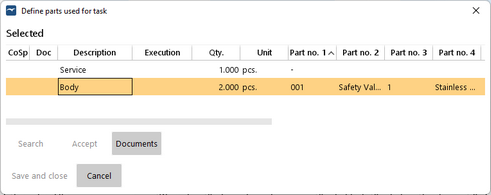
Parts used for a task can be entered on the vessel but not in the office. Unlike the parts used for overhaul in planned maintenance, there is no definition of parts that are likely to be used when a task is created.
View parts used for task
|
1.Go to menu "QHSE" > "Tasks". 2.If parts were used for a task it is marked with a ticker in the column "Parts used". 3.Select a task. 4.Click on "Used parts". |