 |
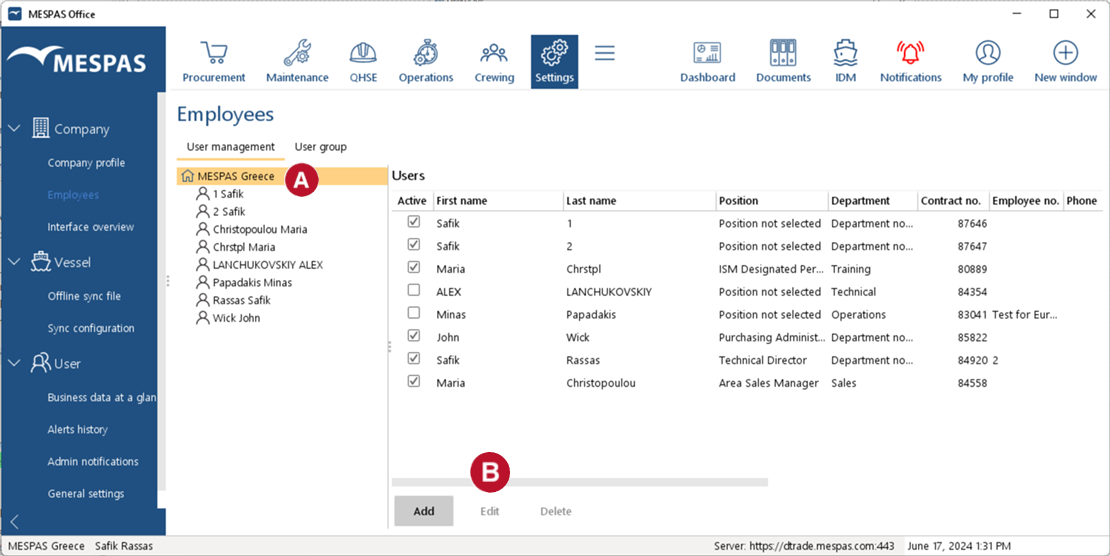
1.Log in as Company Administrator. 2.Click menu Settings > Employees. 3.Select company name •To add a new user, click Add •To edit an existing user, select the user in the list to the right and click Edit. •To delete an existing user, select the user in the list to the right and click Delete. |
 .
.