|
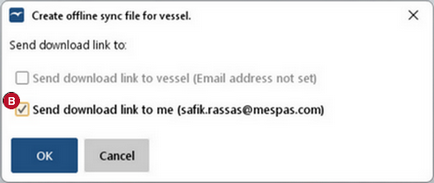
1.Go to menu "Settings" >"Vessel" > "Offline sync file". 2.Select a vessel. Behind the vessel name the date of the last created offline sync file is indicated, if there is one stored on the server\. 3.If there is already an offline sync file stored on the server you may download it. Otherwise click on "Create" 4.The creation of an offline sync file takes time. Depending on its size and the current load of the server it may take up to 24h. You don't have to wait for the file to be ready. On the next window you can order a download link to be sent to the vessel synchronisation email address and/or to your email 5.Save file and send it to the corresponding installation/vessel.
|