|
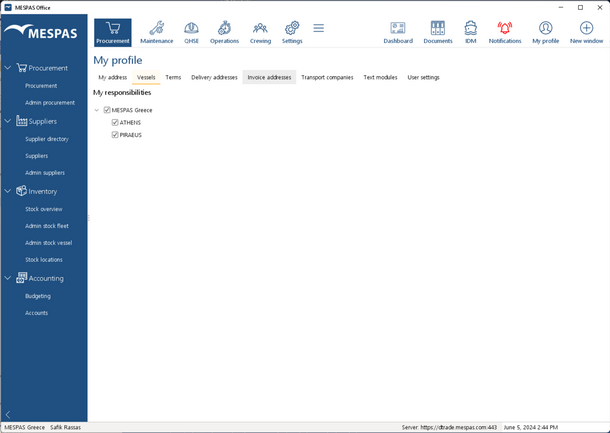
"My profile" > Vessels you can choose the "Vessels" that you are in charge for. You will see in MESPAS TSM only procurement cases, maintenance activities, equipment and tasks that are related to those "Vessels".
1.Go to "My profile". 2.Select tab "Vessels".
The product type tree in Admin Jobs Fleet and Admin Stock Fleet will only show product types that apply on at least one selected vessel. |