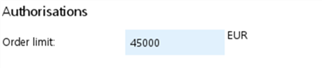
The User with the role "Admin employees" can set an order limit for each user. This order limit is used in the procurement module. Users can only approve orders in the procurement module if the order price is within the order limit.
|
1.Log in as a company administrator. 2.Click menu "Settings" > "Employees". 3.Select user name in the list to the left. 4.Set an order limit for the user •Limit field empty --> user can approve all orders •Limit < order price --> user cannot approve the order •Limit > order price --> user can approve the order •Limit = 0 --> User cannot approve orders |