Manual orders are used when an order is processed completely outside of MESPAS TSM and you like to enter the relevant information without any message to the supplier.
Go to menu "Procurement" > "Procurement". 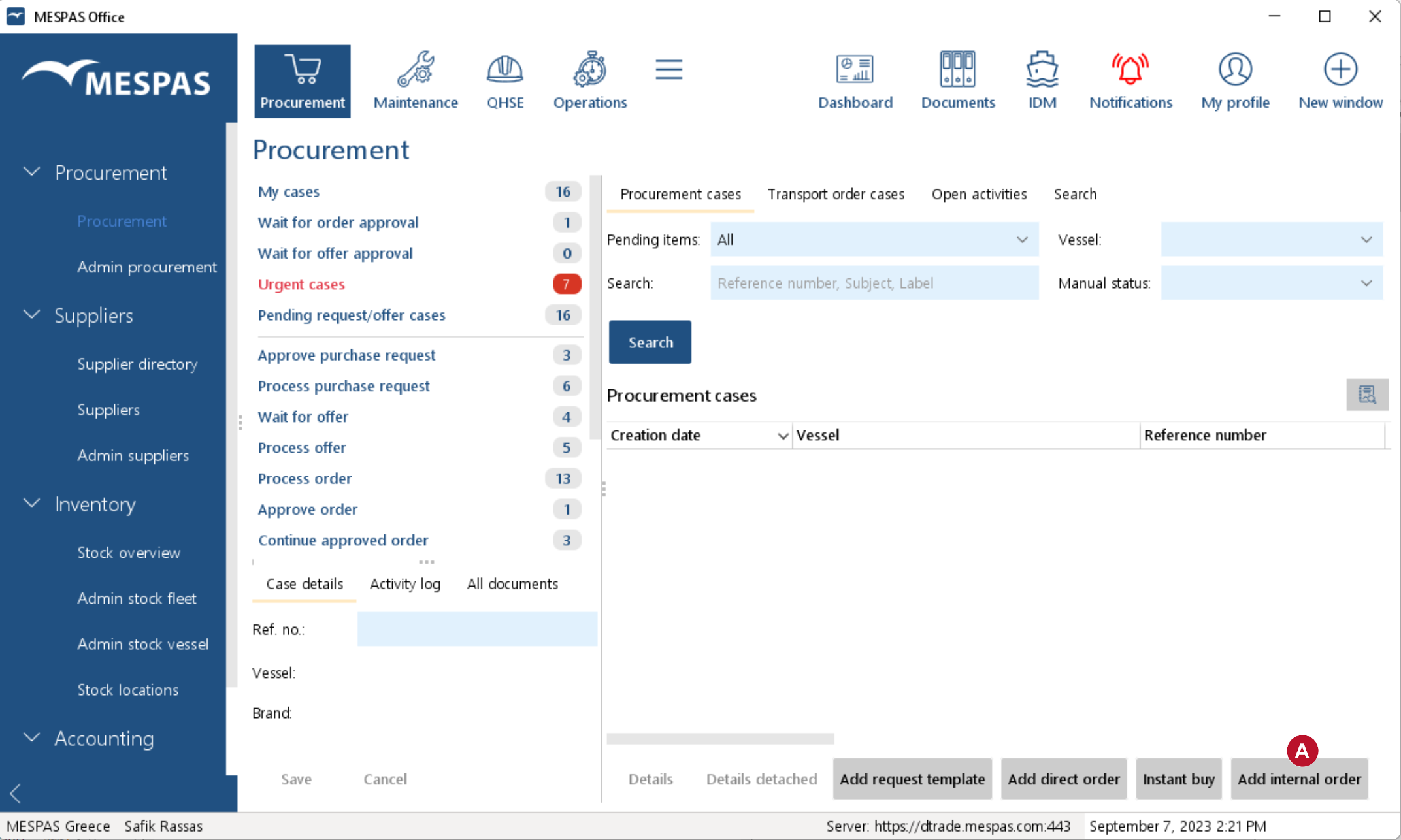 |
1. Click on "Add manual order" |
|
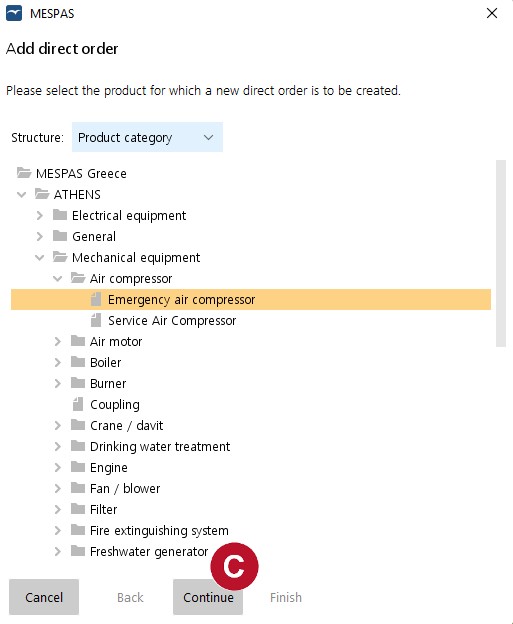
2.Select a vessel and find your way in the product tree to the relevant product . 3.Click on "Continue"
|
|
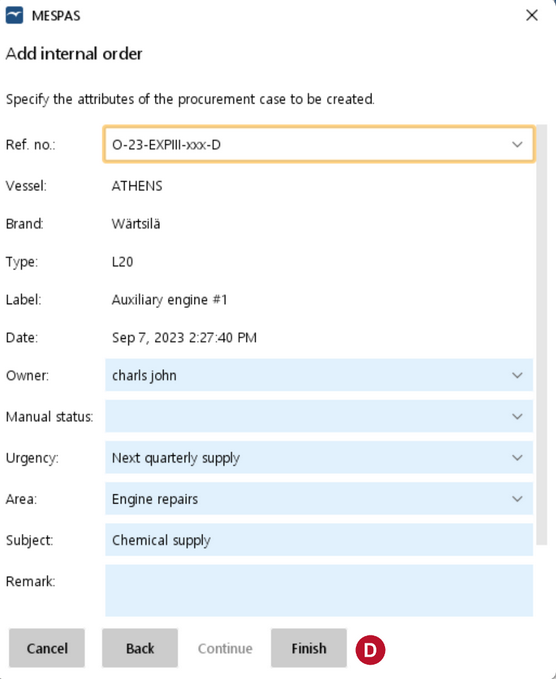
4.Enter the attributes of the new procurement case and click "Finish" |
 .
.
 .
.