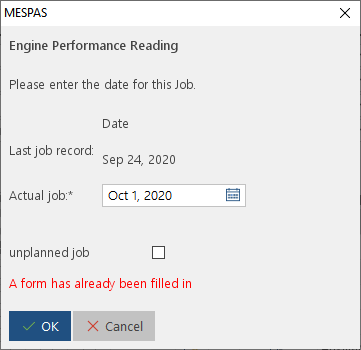
Some maintenance work requires work orders or risk assessment before the activity can be carried out on board. For this purpose the office can assign individual form templates to PMS settings.
Process:
1.You can see those activity for an activity containing the icon  in the "FT" column.
2.then you can press "Execute activity" and will be brought to this screen:
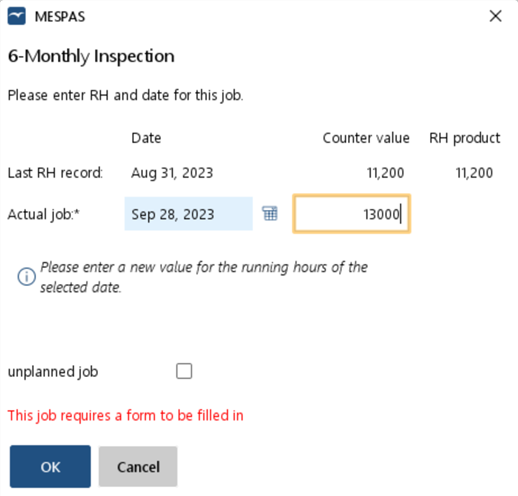
3.By clicking OK, you must fill in a form first before you can report the PMS activity.
NOTE:
if you cancel the form filling process, then you will have to start over and cannot complete the maintenance activity.
If you fill in the form using the "Temporary save" button you can then complete the form at a later stage.
4.When you continue executing an activity that already has a temporary saved form, you will be guided accordingly to complete the form with a "Final save" action and then you can execute the PMS activity.
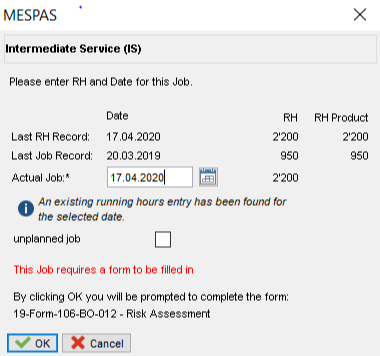
5.If you already have filled a form with "Final Save" for this activity, you can directly fill out the job card.