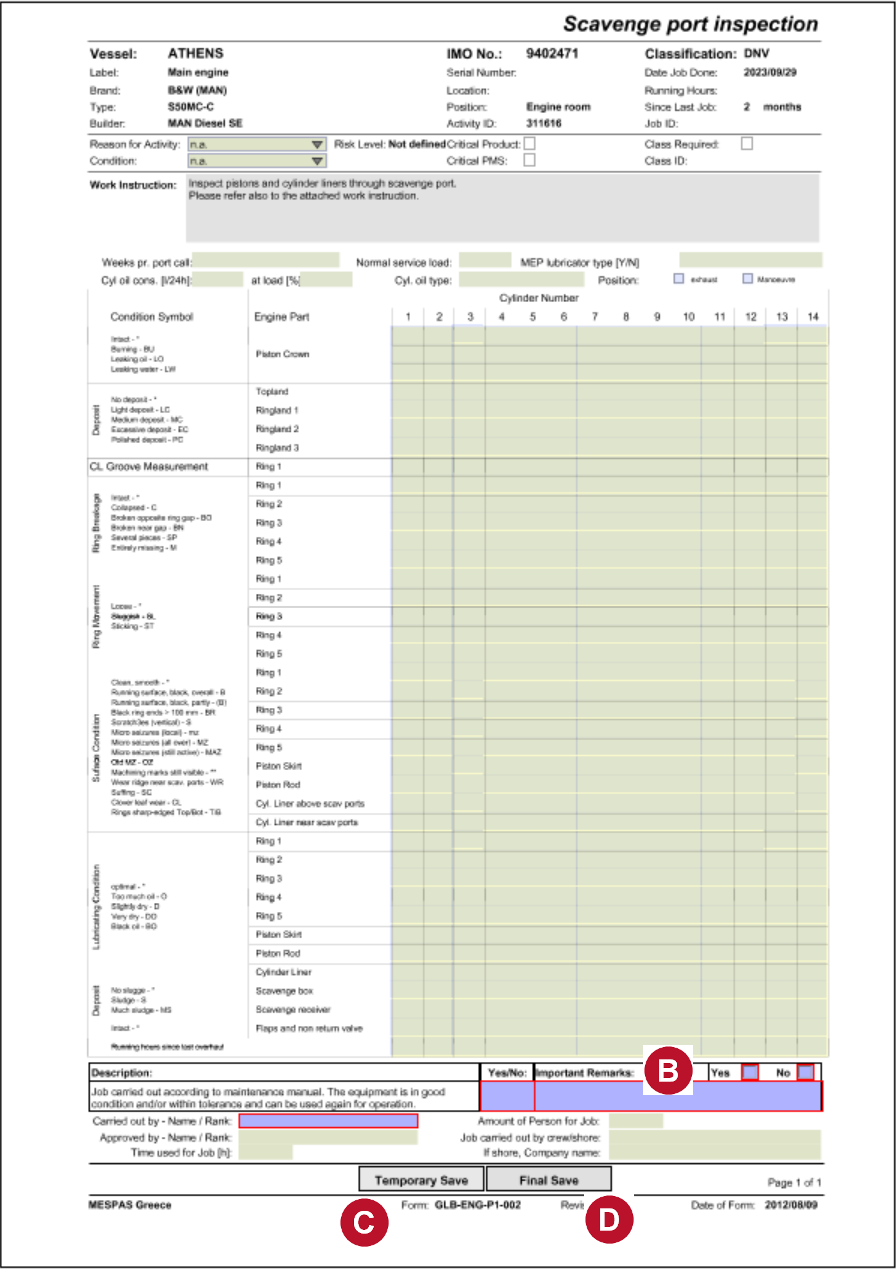
Executing jobs involves filling in PDF Job Cards to document the job execution. This is done in an integrated Java based PDF viewer.
   |
1.Open Jobs to do or Job overview and load a list of records as per your selection. 2.If you want to have a look at the job card for this job without actually executing the job (e.g. in order to print the job card), select the job an click "Show job card". 3.Select an activity and click "Execute activity" or a colored button within the list in column "Activity". 4.Enter overhaul date and - if applicable - total running hours at the overhaul date.
5.If the job has to be executed for any reason but not because it is due, you may tick "Unplanned job". 6.Click "OK". This will open the MESPAS PDF Reader displaying the corresponding job card for this activity. 7.Fill in maintenance card. Blue fields are mandatory. 8.Now you have 2 options:
9.Close MESPAS PDF Reader. 10.Depending on the date and running hours you entered, a new due date will be calculated and the job will change its color as follows:
|


