|
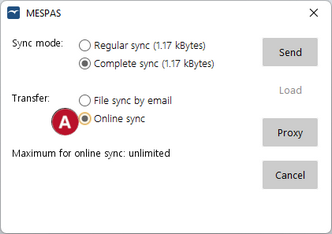
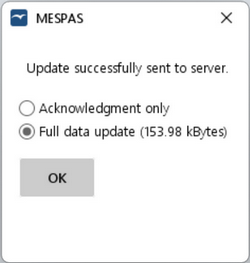
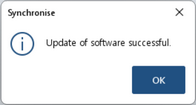
1.Klick "Synchronise". 2.Select Sync mode: 3.Set Transfer to "Online sync" 4.Click "Send". 5.On the following confirmation screen , you can choose whether to receive data updates from the office or not: 6.Click OK. 7.When presented with the "Updates of software successful" confirmation screen, click OK. |