 |
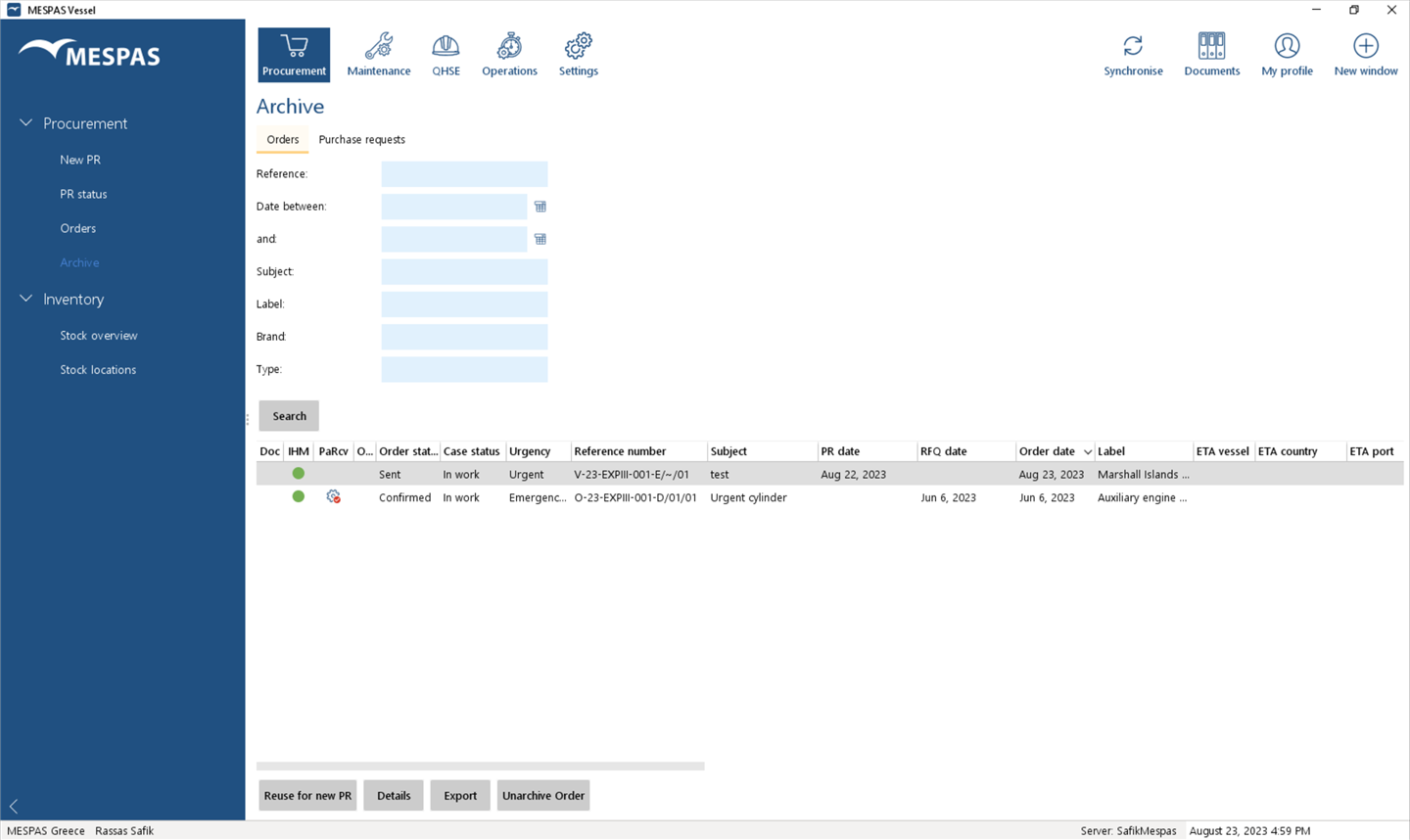
1.Go to menu "Procurement" > "Archive". 2.Select tab "Orders" or "Purchase requests". 3.Load archived orders, PRs respectively, by clicking "Search". 4.Select an order or a PR. 5.View details on orders, PRs respectively, by clicking "Details". |
PR and orders archive |
Top Previous Next |
|