|
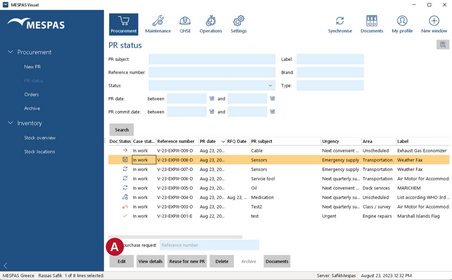
1.Go to menu "Procurement" > "PR status" or click on the respective icon in the menu bar. 2.Select a PR which has been saved but not committed. (Indicated by 3.Click "Edit" |


|
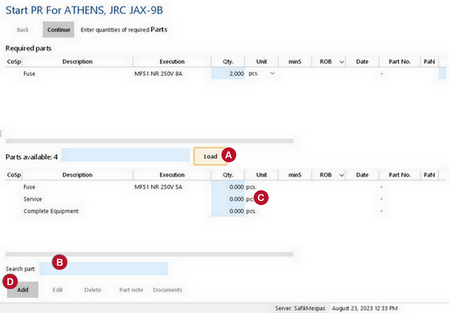
Edit and/or add parts and quantities 4.Enter part aspect (e.g. name, plate number, etc.) and click "Load" 5.Select part and enter quantity and unit required 6.Click "Continue". |


 .
.
|
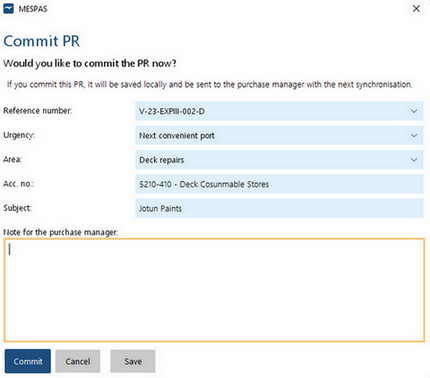
7.Add information/details about PR. 8.Click "Commit". |