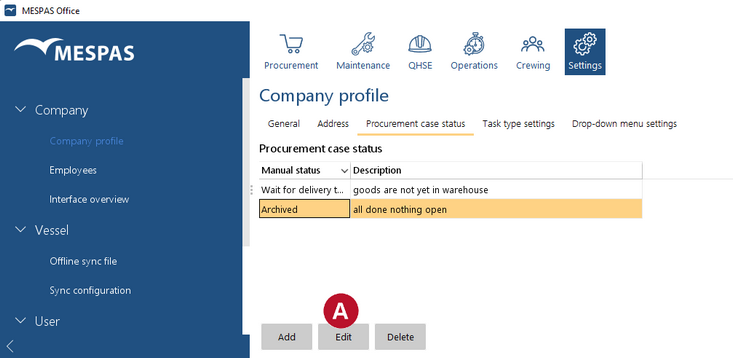
This function is only available for the procurement administrator of your company. Go to menu "Settings" > "Company profile". Select tab "Procurement case status"
Each company can define their own manual statuses for procurement cases. The status of a procurement case is set manually in the procurement screen (In the menu "Procurement" > "Procurement"). Manual status can be added, edited and deleted
|