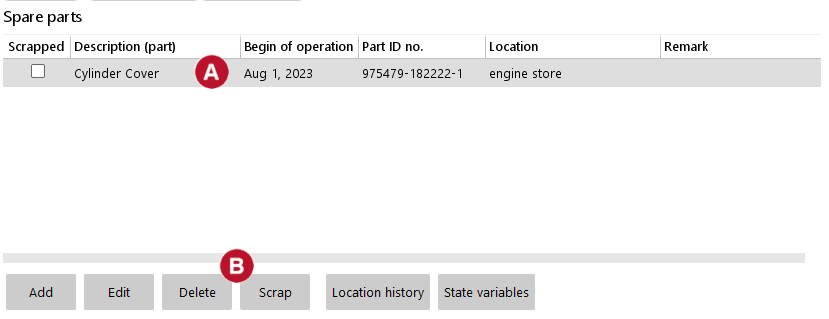
If you scrap an instance of a part, then all information about this instance will be remaining in the system. However you cannot use this part anymore to assign it to a unit in the engine.
If you delete an instance of a part, then all information about this instance is deleted in the system.
You cannot undelete/reactivate that instance anymore.
|